

Part of the Satisfactory beginner walkthrough. Series overview.
Blade Runners are an early movement upgrade: they boost run speed, double your jump height, and soften fall damage. They come out of the MAM, the research building, but not from the Caterium tree most people go up for them. Getting them means unlocking the MAM, then working down the Quartz tree, so this guide runs the whole path start to finish, from the Field Research milestone that opens the MAM to the Blade Runners equipped on your legs.
Field Research: Unlocking the MAM
Field Research is one of the three Tier 1 milestones, and it’s the one that opens up a whole second progression track.
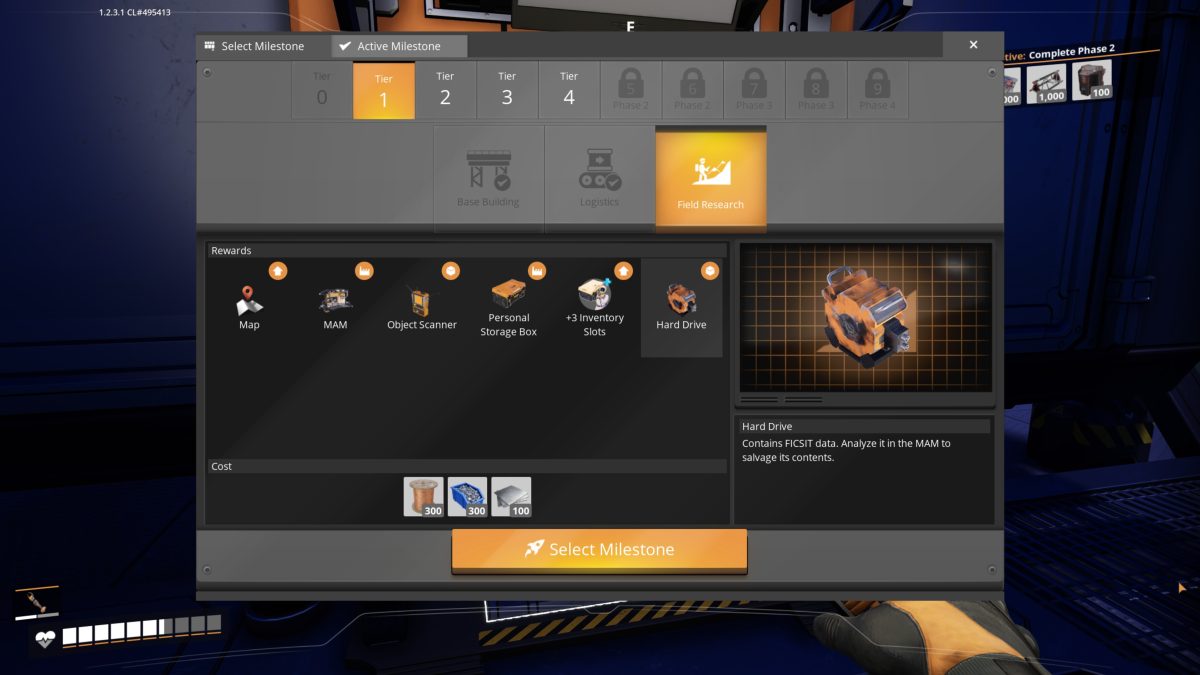
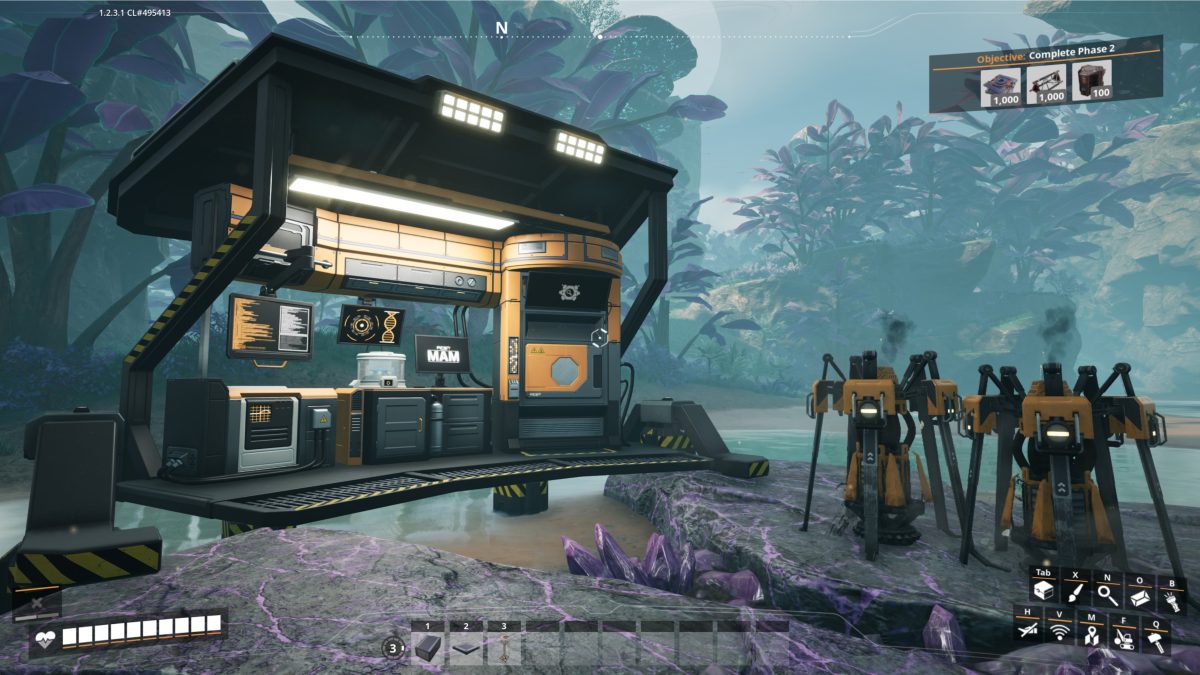
The reward list is a good haul (the Map and the Object Scanner alone make exploring a lot easier), but the one this guide is after is the MAM, short for Molecular Analysis Machine. The MAM is the research building. You feed it samples you pick up out in the world, wait out a research timer, and it unlocks new recipes, new scannable resources, and equipment you can’t get any other way. Alternate recipes come from here, and so do Blade Runners. That Hard Drive in the rewards is a taste of it: its tooltip reads “Contains FICSIT data. Analyze it in the MAM to salvage its contents.” We’ll leave the Hard Drives for later and get straight into the research trees.
Inside the MAM: Picking a Tree
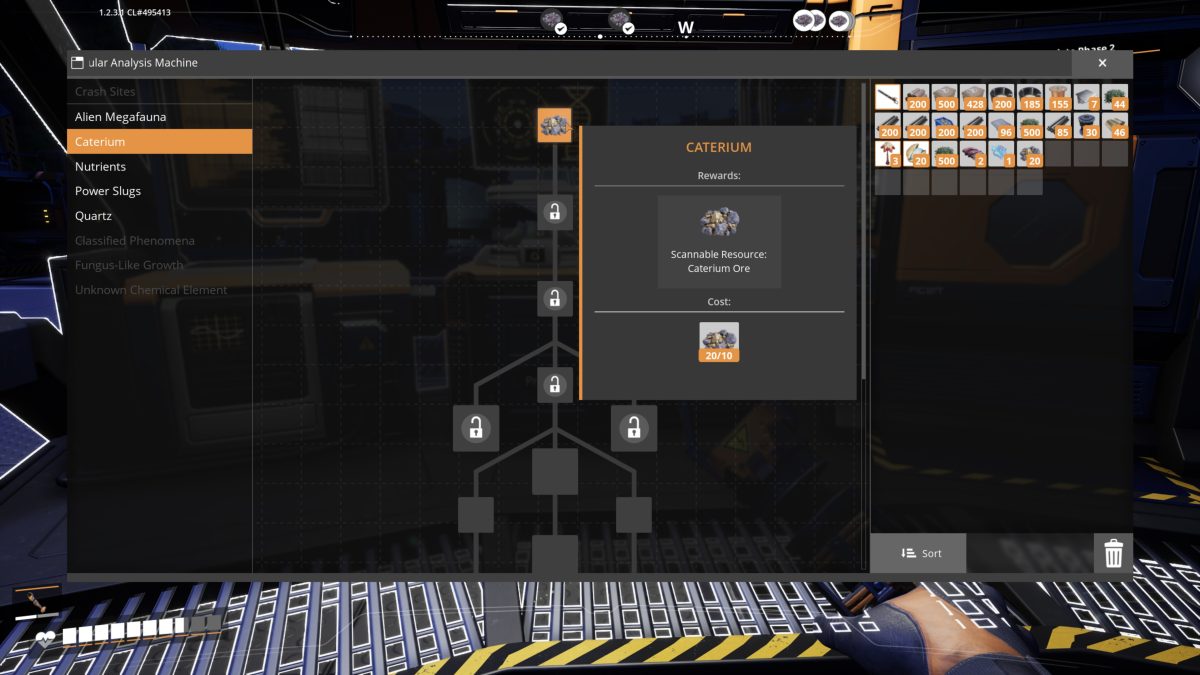
Open the MAM and you get a list of research trees down the left: Crash Sites, Alien Megafauna, Caterium, Nutrients, Power Slugs, and Quartz, with a few more (Classified Phenomena, Fungus-Like Growth, Unknown Chemical Element) greyed out until you turn up whatever unlocks them. Each tree is a small branching chain of nodes. Caterium is the natural place to start (a new ore plus the Quickwire and electronics that feed a lot of later recipes), but the tree we want for Blade Runners is Quartz.
Blade Runners Are on the Quartz Tree
If you went up the Caterium tree chasing Blade Runners, that was a detour.
Quartz comes with the same chicken-and-egg as the Caterium tree, except worse: there’s no way to scan for it yet. You can’t track down Quartz nodes until you’ve researched Quartz, and you can’t research Quartz until you’ve fed the MAM some Raw Quartz. So the only way in is to get lucky and stumble across the raw nuggets out in the world.
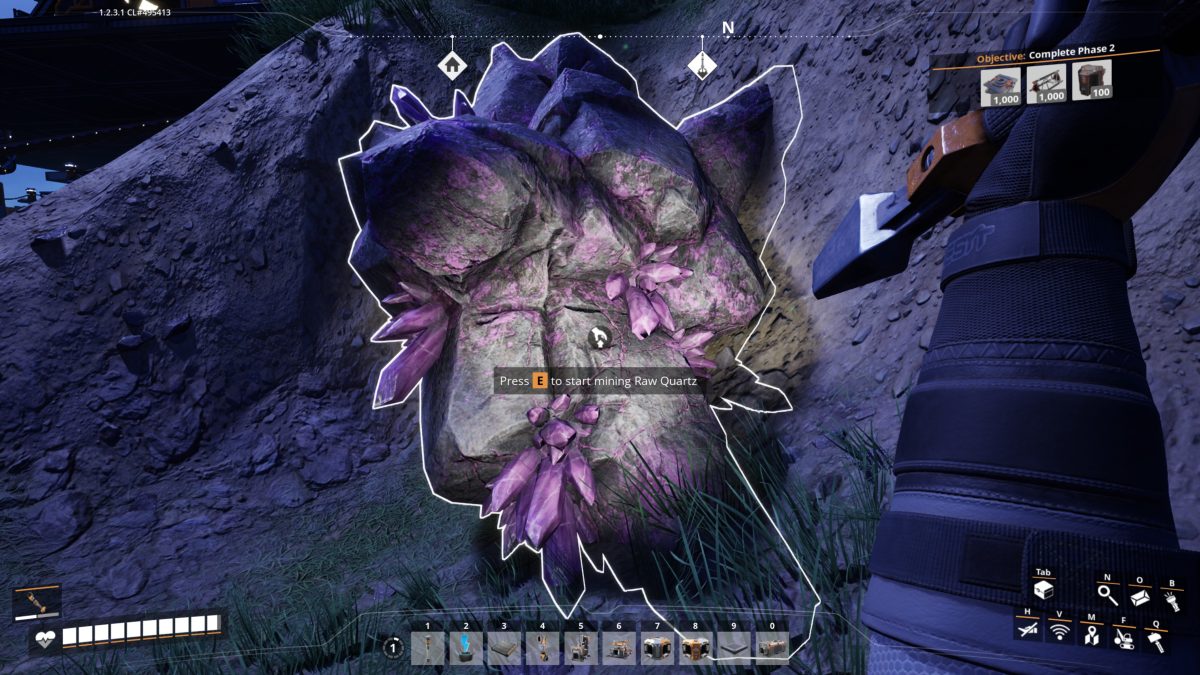
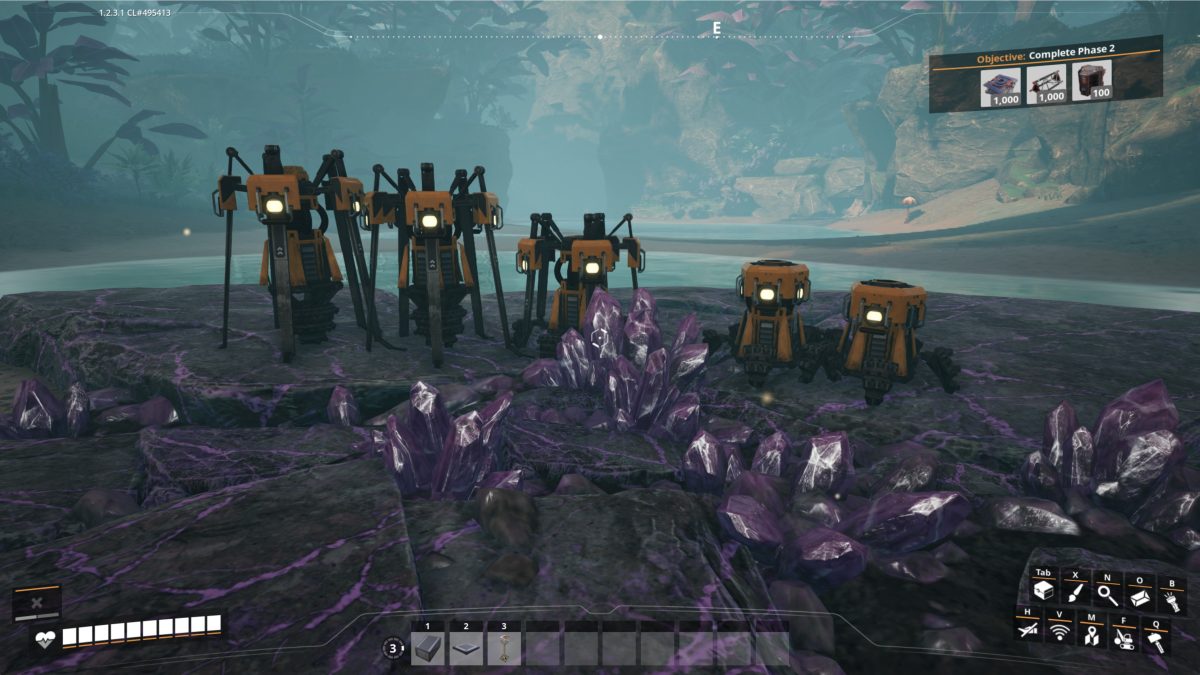
That small handful is enough to kick off the Quartz research tree, and the first thing it unlocks is the scan. From there you can finally track down a proper Quartz node and put miners on it, the same way we did with Caterium.
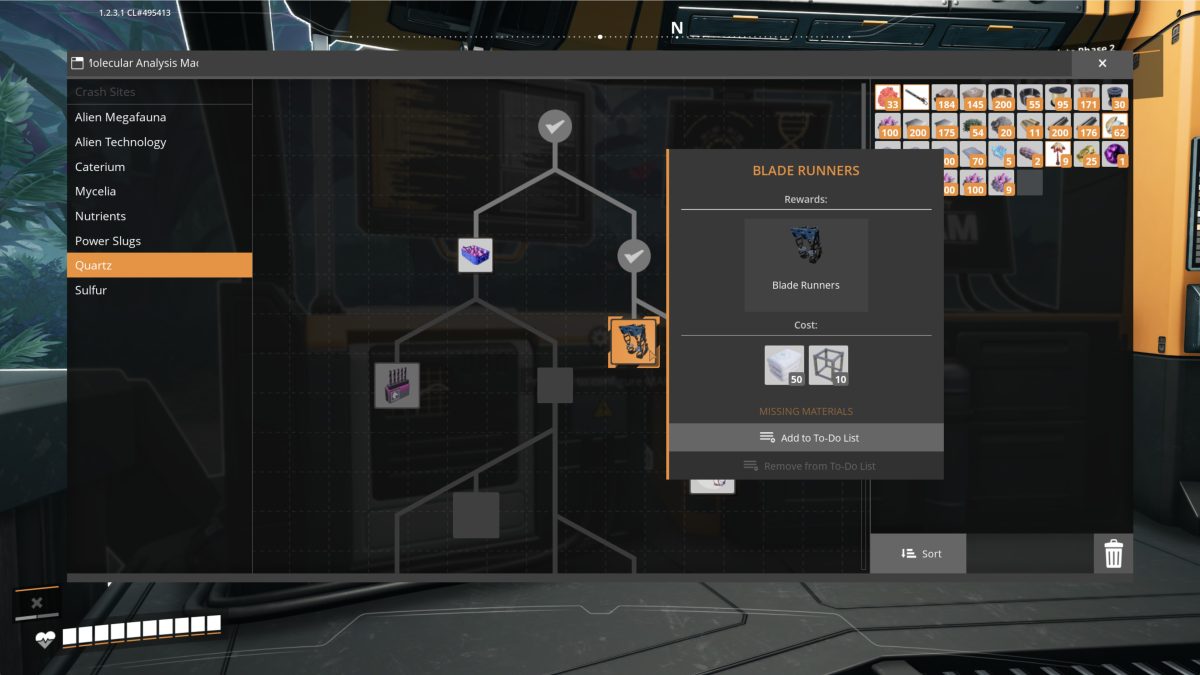
Near the bottom of the Quartz tree is the Blade Runners node. They give a solid boost to movement speed and cut fall damage down to almost nothing, which makes terrain like the islands we crossed much easier to get across. The research costs 50 Silica and 10 Modular Frame, and the recipe draws on what the Quartz route already gives you: the Silica is refined straight from Raw Quartz, and the Modular Frame comes off the iron line (Iron Plate plus Iron Rod), with no Caterium in the recipe at all.
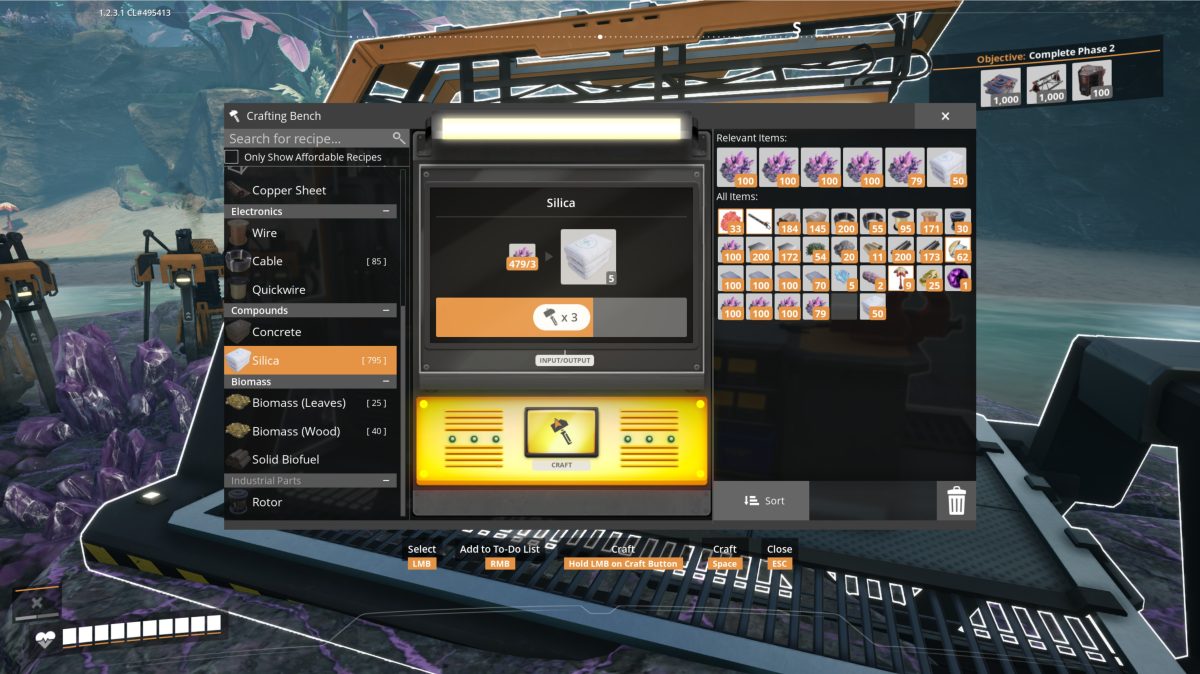
That part is easy now that the Quartz is flowing. Raw Quartz turns into Silica at 3 ore for 5 Silica, so with a few hundred Raw Quartz banked from the node it’s a quick session at the Crafting Bench to make the 50 Silica the research wants; the 10 Modular Frame come from the iron line instead.
Research done, the Blade Runners themselves come off the Equipment Workshop bench, over in Body Equipment. The recipe is 20 Silica, 3 Modular Frame, and 3 Rotors, so it draws on the same Quartz-fed Silica plus Modular Frame and Rotors from the iron line, still with no Caterium anywhere in it.
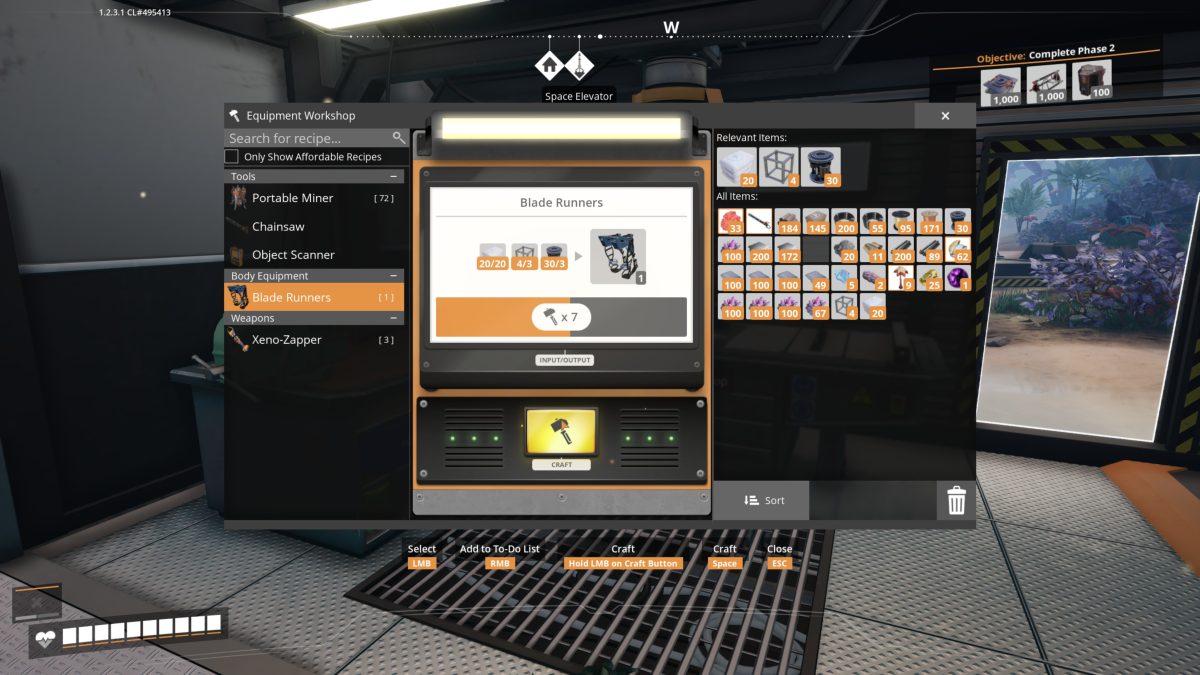
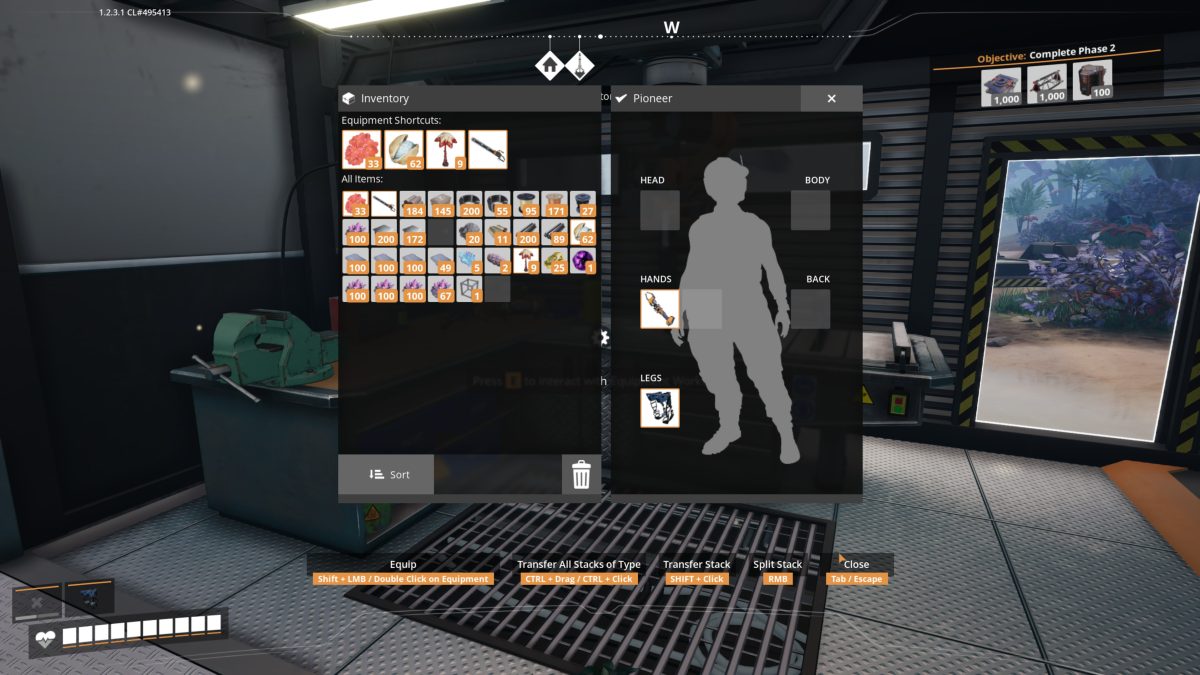
Build them, drop them into the Legs slot on the equipment screen, and they’re passive, so there’s nothing to activate.
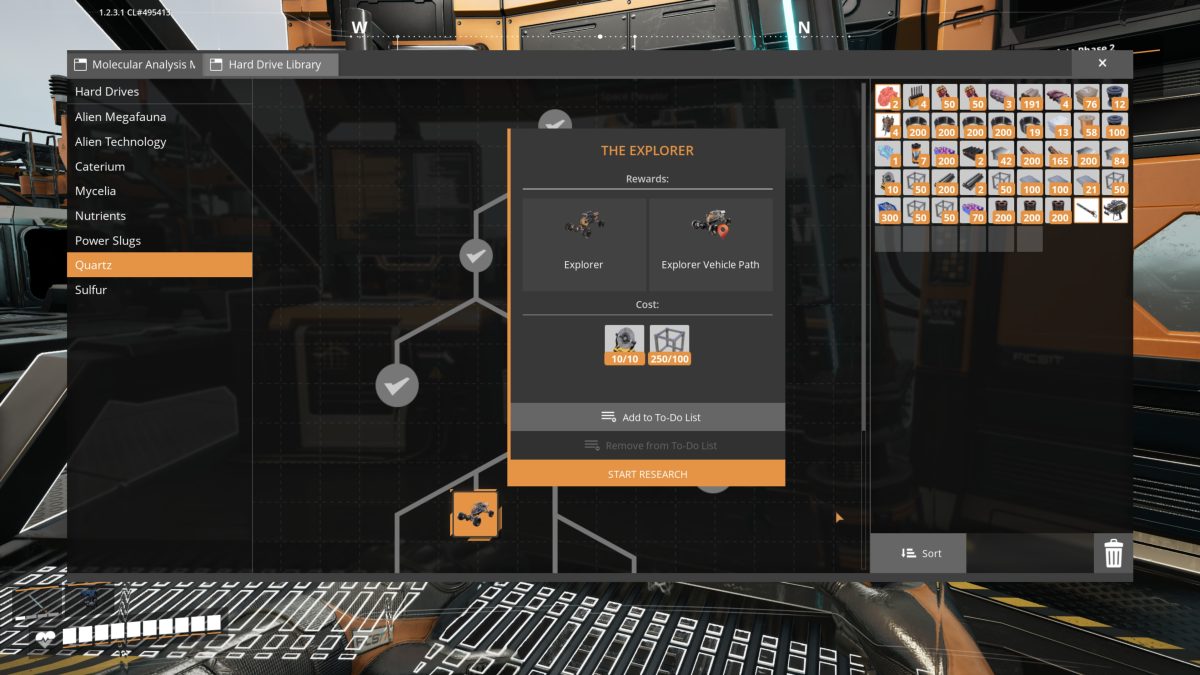
The Quartz tree has one more reward on it worth a mention: the Explorer, an all-terrain buggy, along with its Explorer Vehicle Path. Researching the node (it wants 10 of one part and 100 of another) unlocks the Explorer, but you can’t build it yet. It needs Motors, which come from a later milestone, so it’s one to bank now and come back to once Motors are available.
Keep going: the walkthrough overview lists every part of the series in order.