

Part of the Satisfactory beginner walkthrough. Series overview.
Alternate recipes are tweaked versions of a standard recipe. Some make a part cheaper or faster to build, and some let you build it out of materials you already have spare. Unlike milestone and MAM-tree unlocks, alternate recipes are locked inside Hard Drives, which you analyze in the MAM.
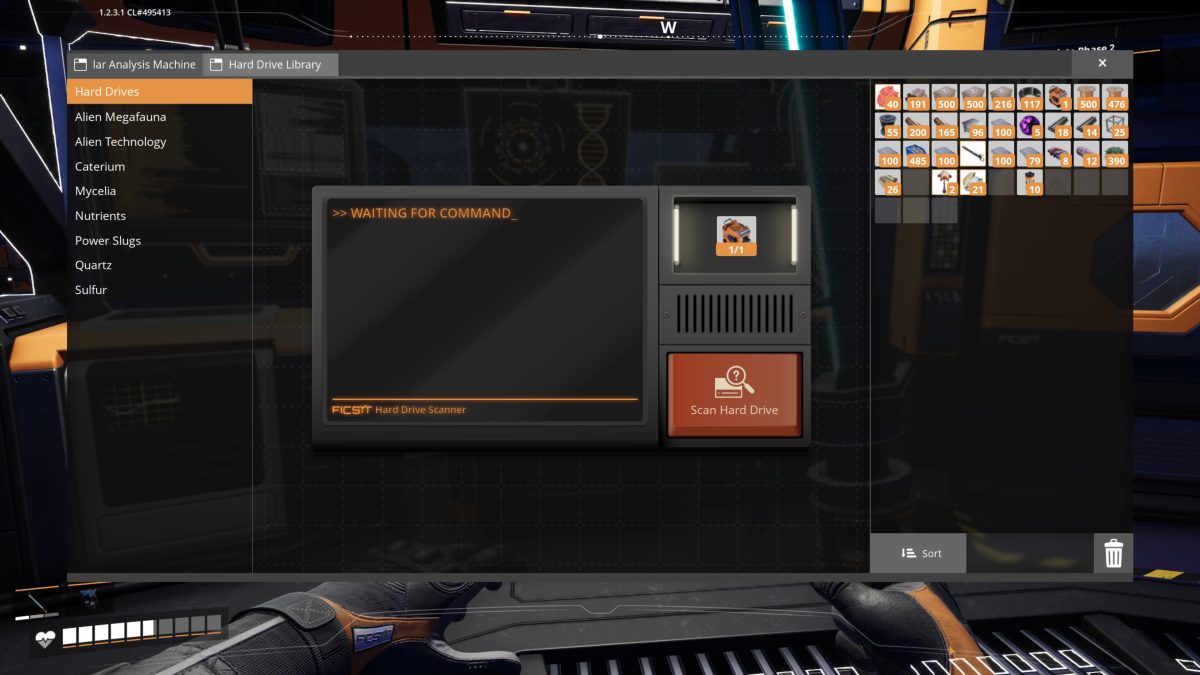
The MAM has a second tab across the top, the Hard Drive Library. Drop a Hard Drive into the scanner slot, hit Scan Hard Drive, and it works through the drive to, in the game’s words, “salvage its contents.” What it salvages is an alternate recipe to unlock. Your first Hard Drive is a free reward from the Field Research milestone, so you can try the scanner out early.
Like everything in the MAM, the scan runs on a research timer, ten minutes for this drive, so you can start it and do something else while it runs.
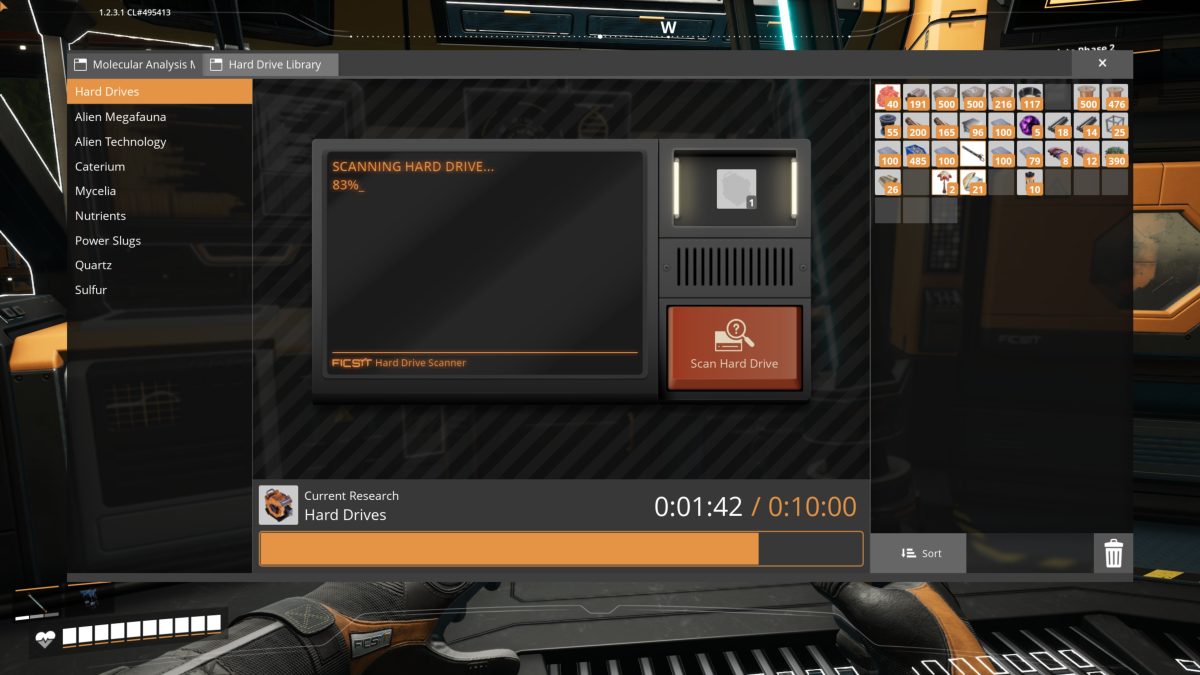
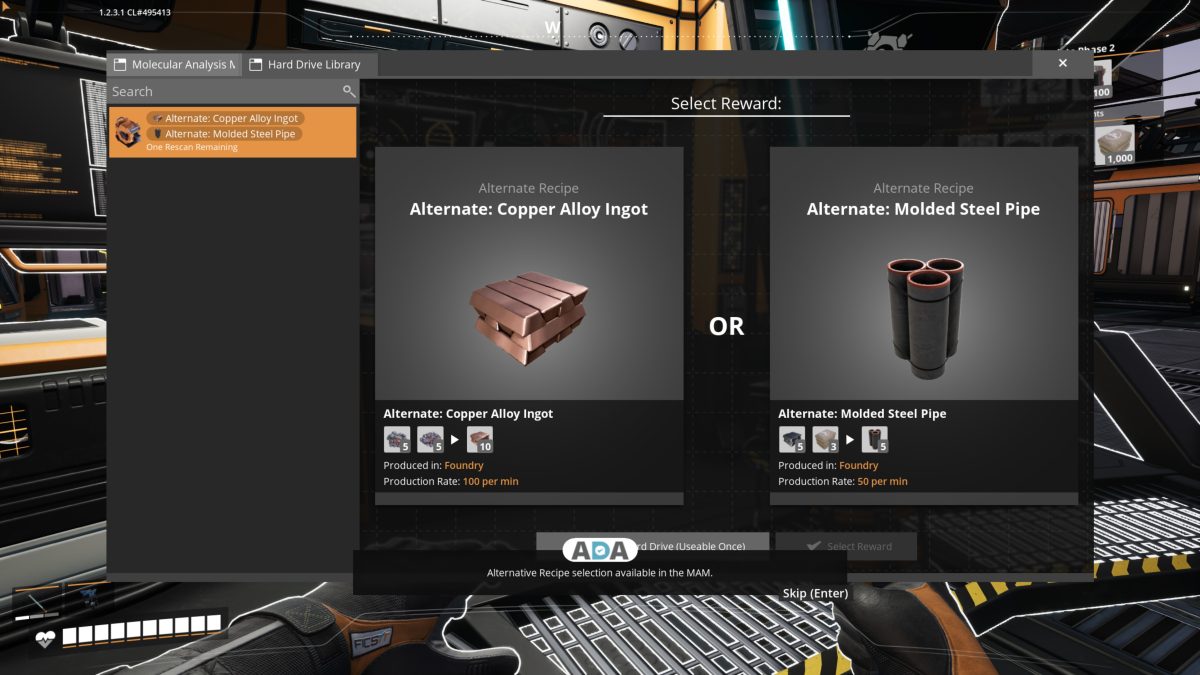
When the timer finishes, the drive opens a Select Reward screen: two alternate recipes side by side with an OR between them, and you pick one (or hit Skip to take neither). If neither is worth taking, there’s a rescan to reroll the two options (this drive reads “One Rescan Remaining”), but the Hard Drive itself is Useable Once, so you come away with a single recipe per drive. The pair on offer here are both Foundry recipes: Alternate: Copper Alloy Ingot (5 + 5 makes 10, at 100/min) and Alternate: Molded Steel Pipe (5 + 3 makes 5, at 50/min).
After that first one, Hard Drives come from Crash Sites, the wrecked drop pods scattered around the map. Some open as soon as you reach them; others need a small repair cost paid before they release the drive inside. Grab every drive you find while you’re out exploring; a single alternate recipe can change the cost or throughput of a production line.
Keep going: the walkthrough overview lists every part of the series in order.