

Part 2 of the Satisfactory beginner walkthrough. Previous: Landing to Your First Iron. Series overview.
With your first Iron Ore in hand (covered in Part 1), the next objective is to build the HUB, the home base you expand the rest of the factory from. This guide covers placing it, completing your first HUB Upgrade, and crafting the Portable Miner, which auto-mines a node.
Building the HUB
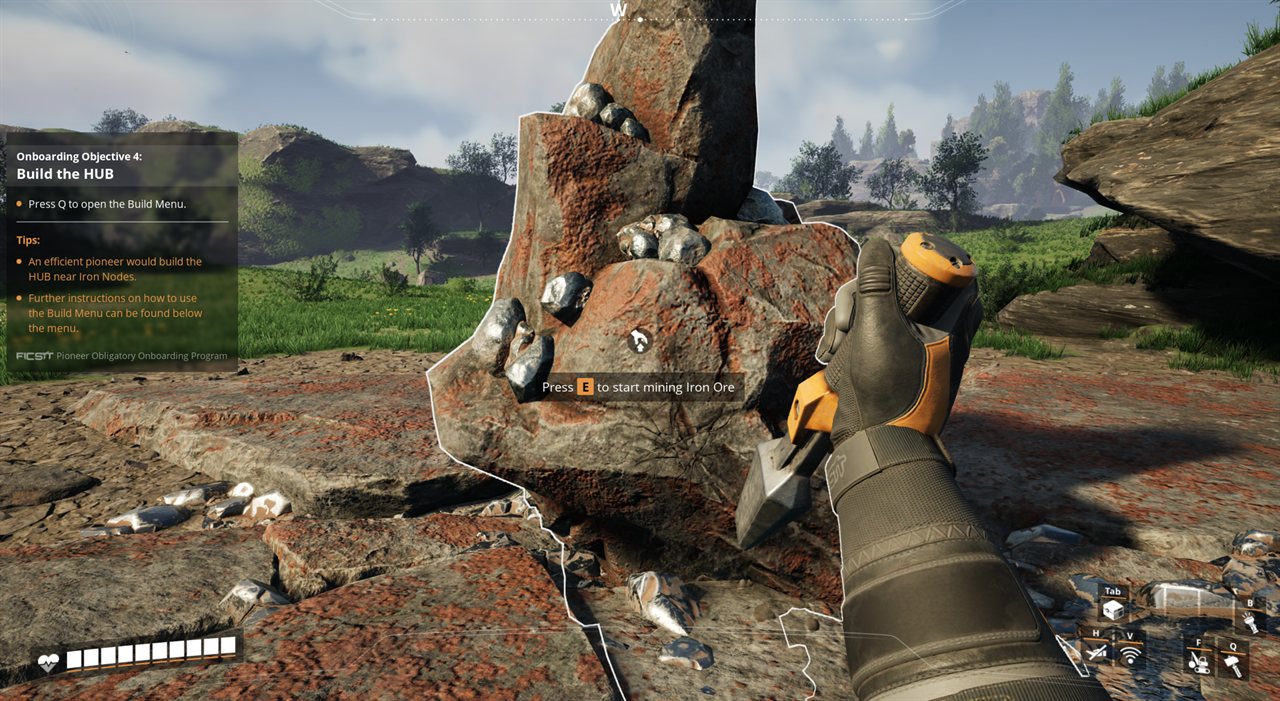
Objective 4 is to build The HUB (Habitat and Utility Base): your home base, crafting bench, and the terminal that issues the early upgrades. It costs iron, so mine a stack first. Walk up to an Iron node and hold E until you have a healthy amount.
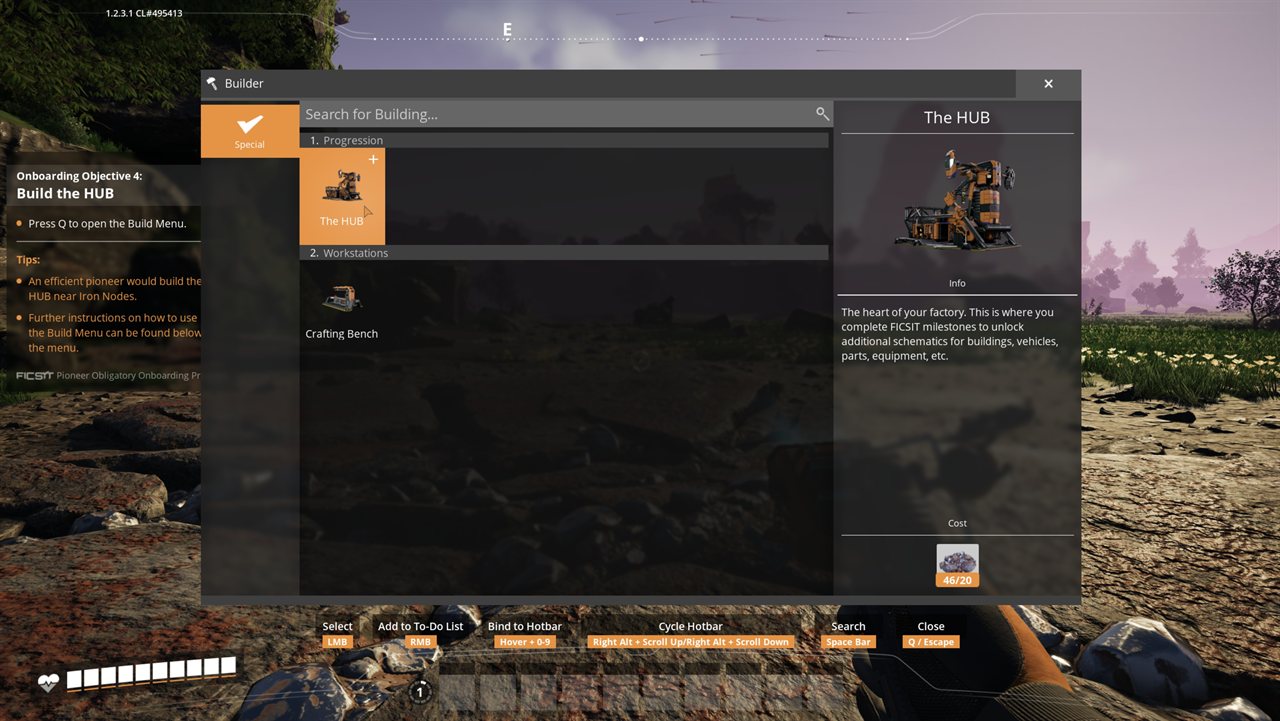
Press Q to open the Build Menu, select The HUB under Progression, and place it. The HUB costs 20 Iron Ore. Put it somewhere flat and central, next to an Iron node, since you’ll return to it often.
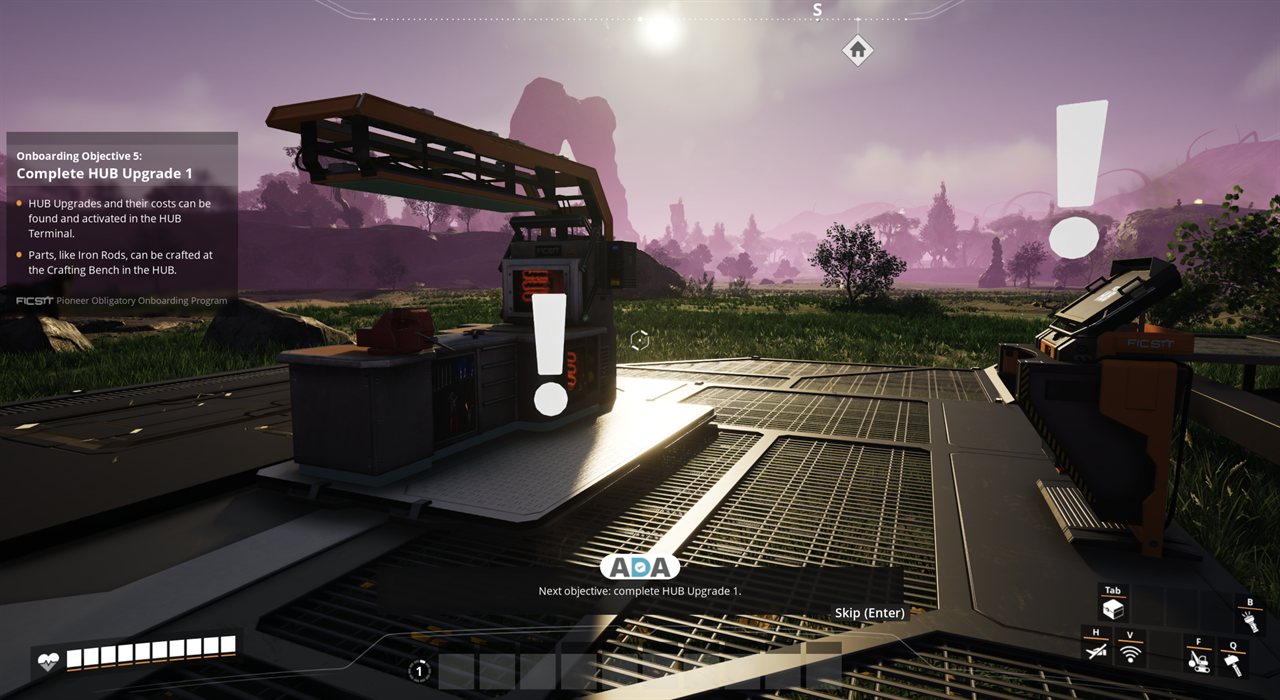
The HUB has two parts you’ll use. The HUB Terminal lists and activates the HUB Upgrades, each with an exact list of parts to deliver (the Terminal shows what it needs and how many). The Crafting Bench next to it is where you hand-craft those parts, starting with Iron Rods.
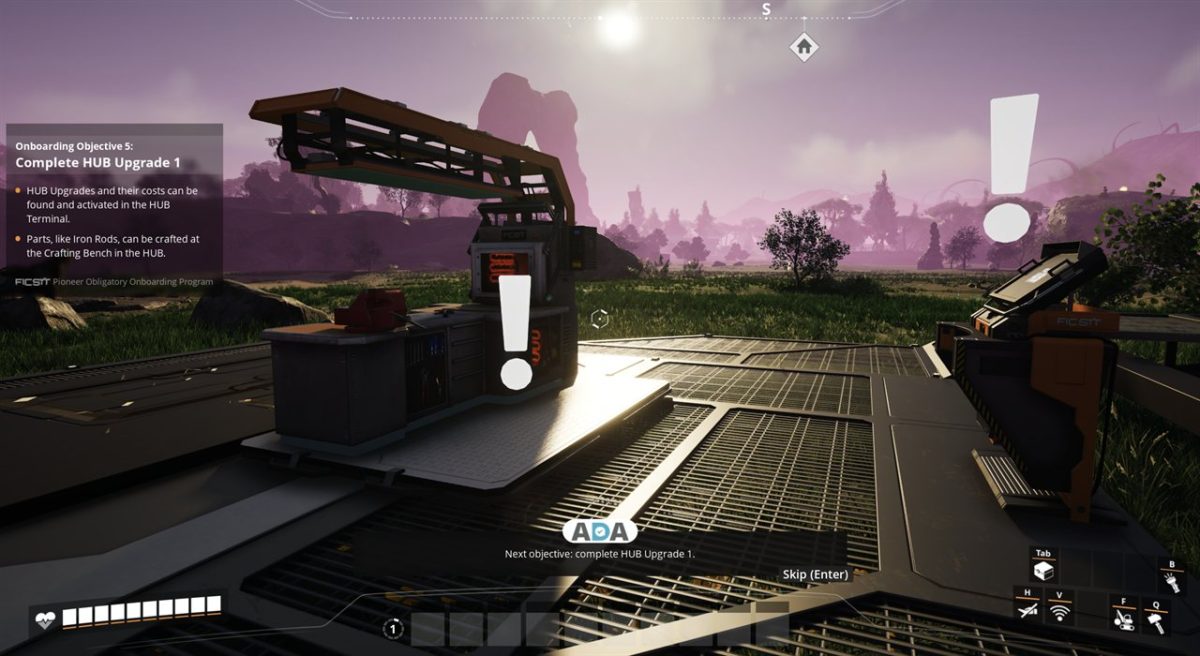
Your First HUB Upgrade
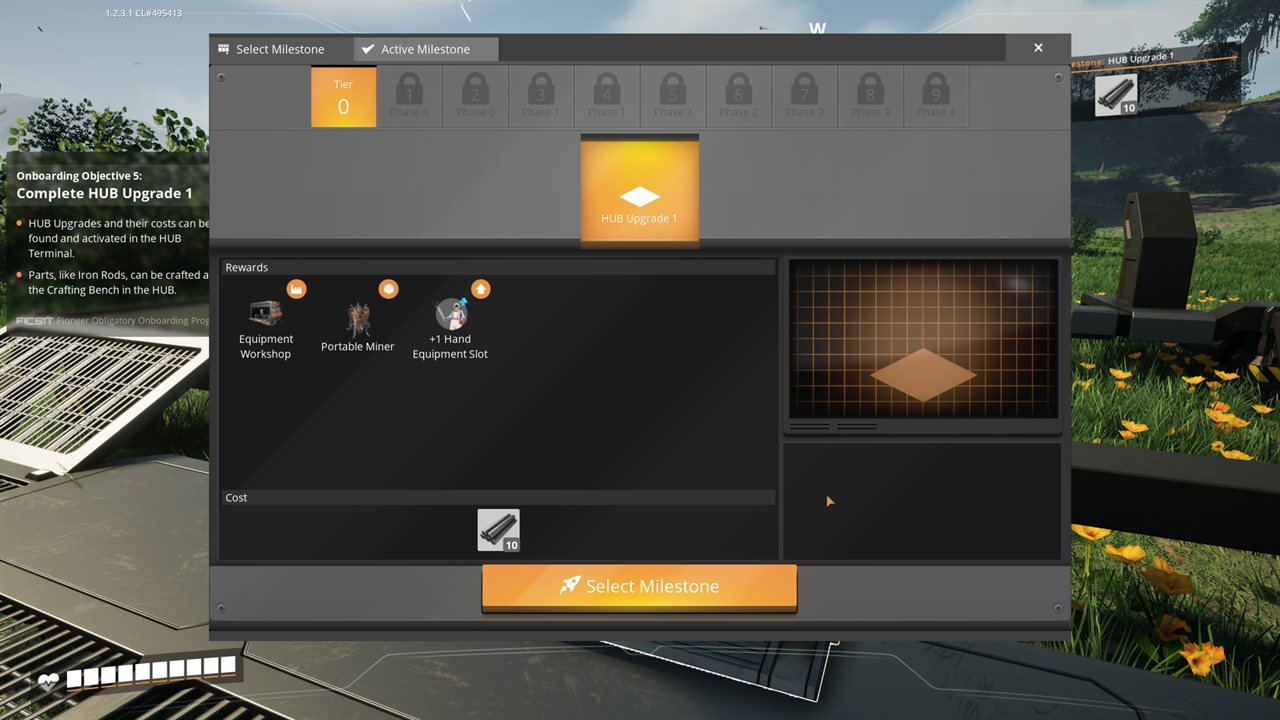
Tier 0 is a sequence of six HUB Upgrades, and they all work the same way: the HUB Terminal shows the upgrade’s rewards and its exact cost, you craft the required parts at the Crafting Bench, and you deliver them to unlock the next tool.
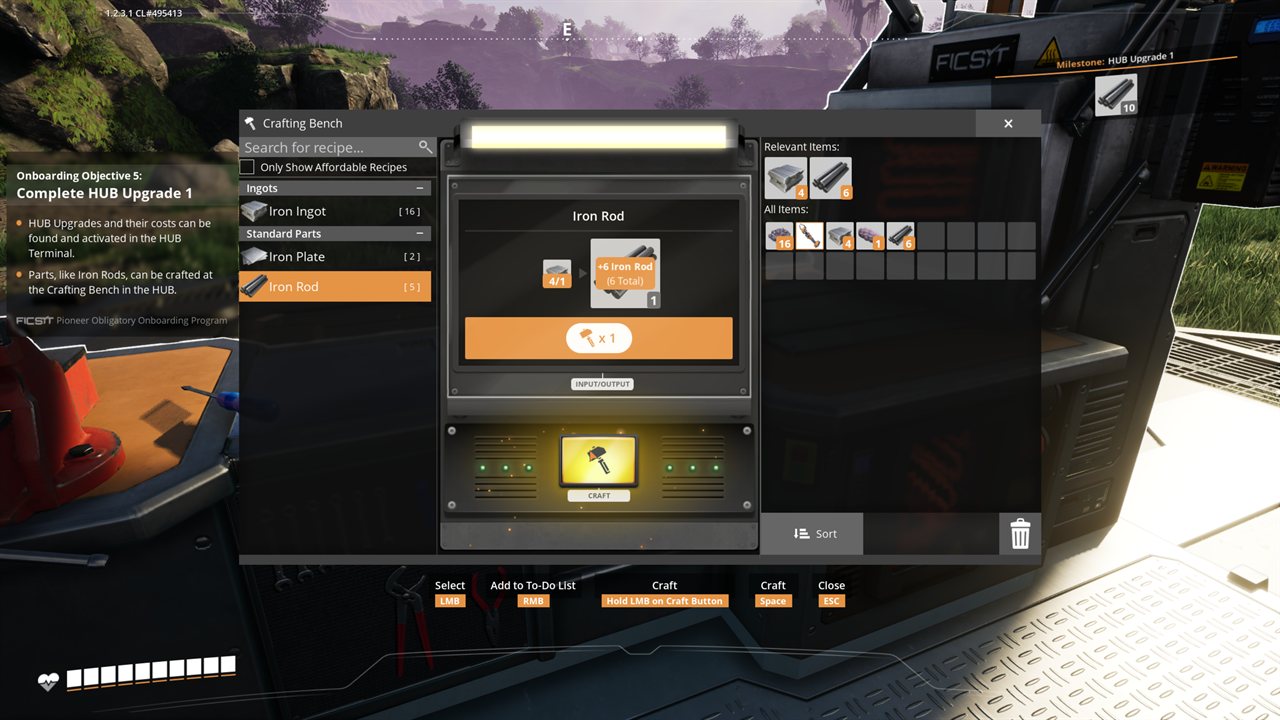
Everything in Tier 0 is hand-crafted at the Crafting Bench. Open it, select a recipe on the left (Iron Rod here), and hold the Craft button or tap Space to make a batch. You haven’t unlocked the Smelter yet, so at this stage you also smelt Iron Ore into Ingots by hand at the same bench, which is slow.
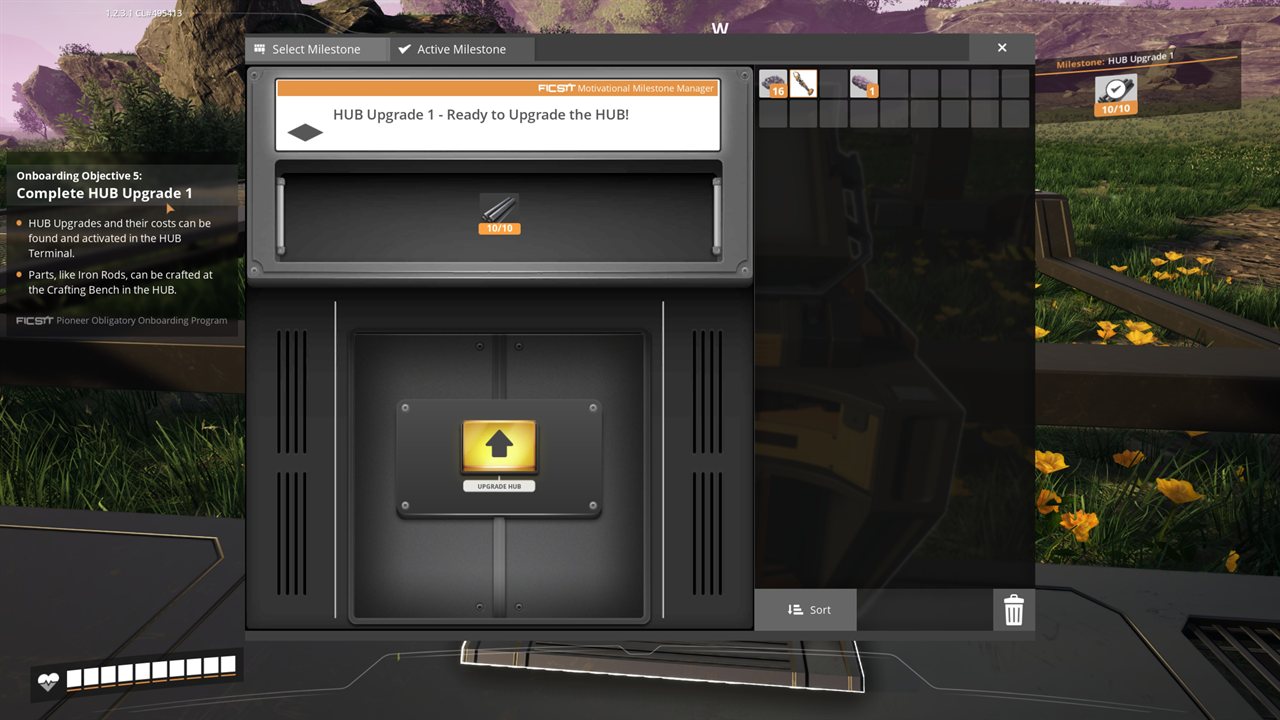
Once you have the parts, open the HUB Terminal’s Active Milestone tab, place your Iron Rods in the slot, and press the Upgrade HUB button. That completes HUB Upgrade 1.
Crafting the Portable Miner
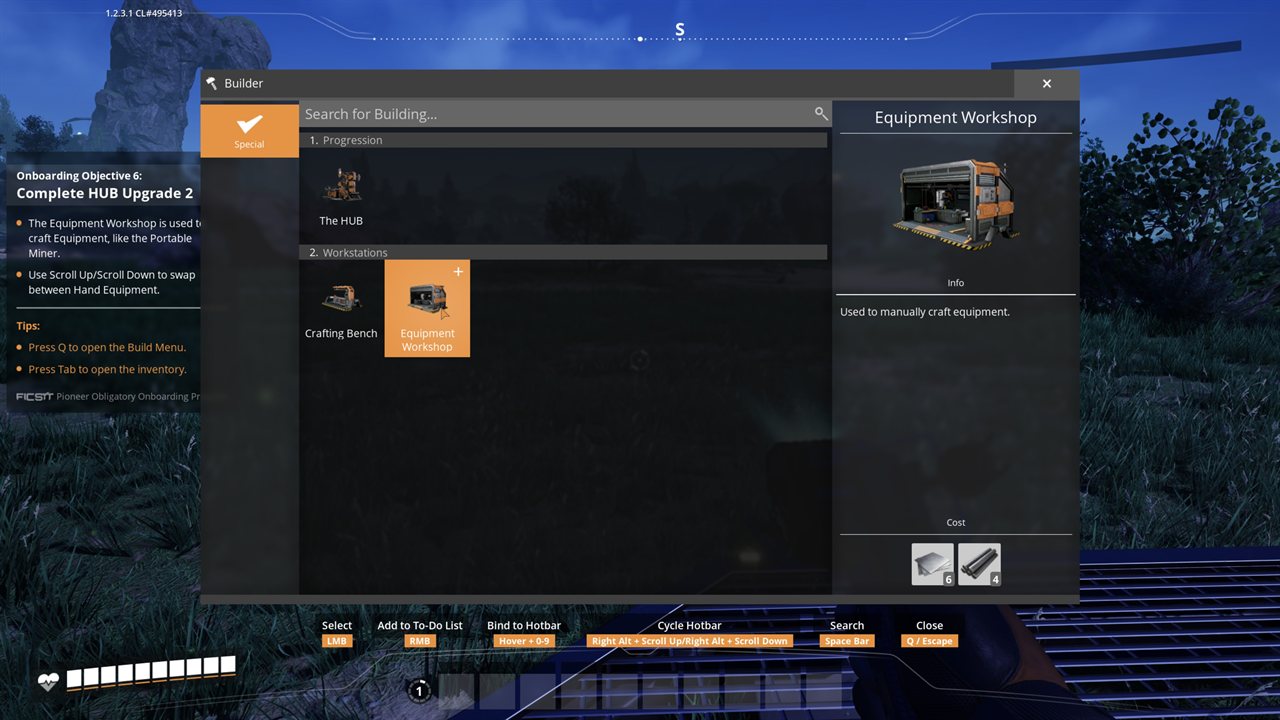
The main reward is the Portable Miner. It’s equipment rather than a part, so you craft it at the Equipment Workshop (also unlocked by Upgrade 1), not the Crafting Bench. Place a Workshop from the Build Menu for 6 Iron Plates and 4 Iron Rods, then build the miner there.
Open the Workshop, select the Portable Miner from its Tools list, and craft it the same way you crafted the rods.
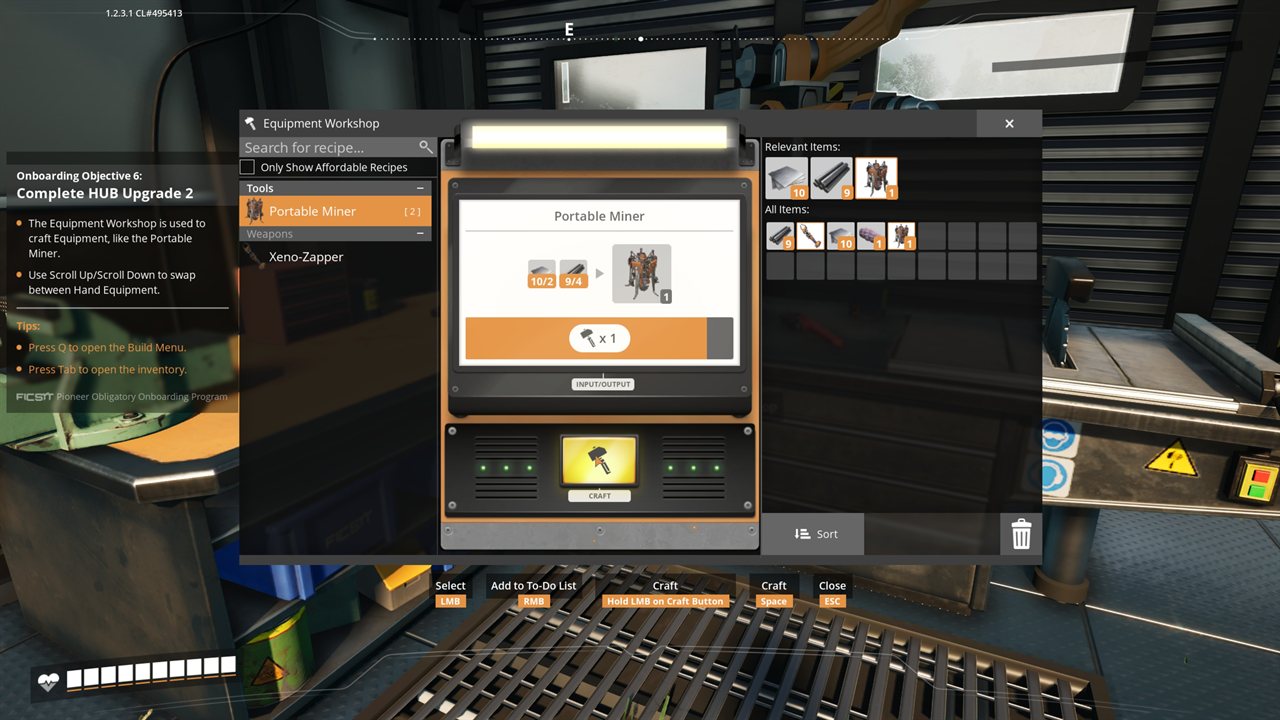
Equip the Portable Miner (scroll to it like any hand tool) and left-click an Iron node to place it. From then on it mines the node automatically, which replaces hand-mining.
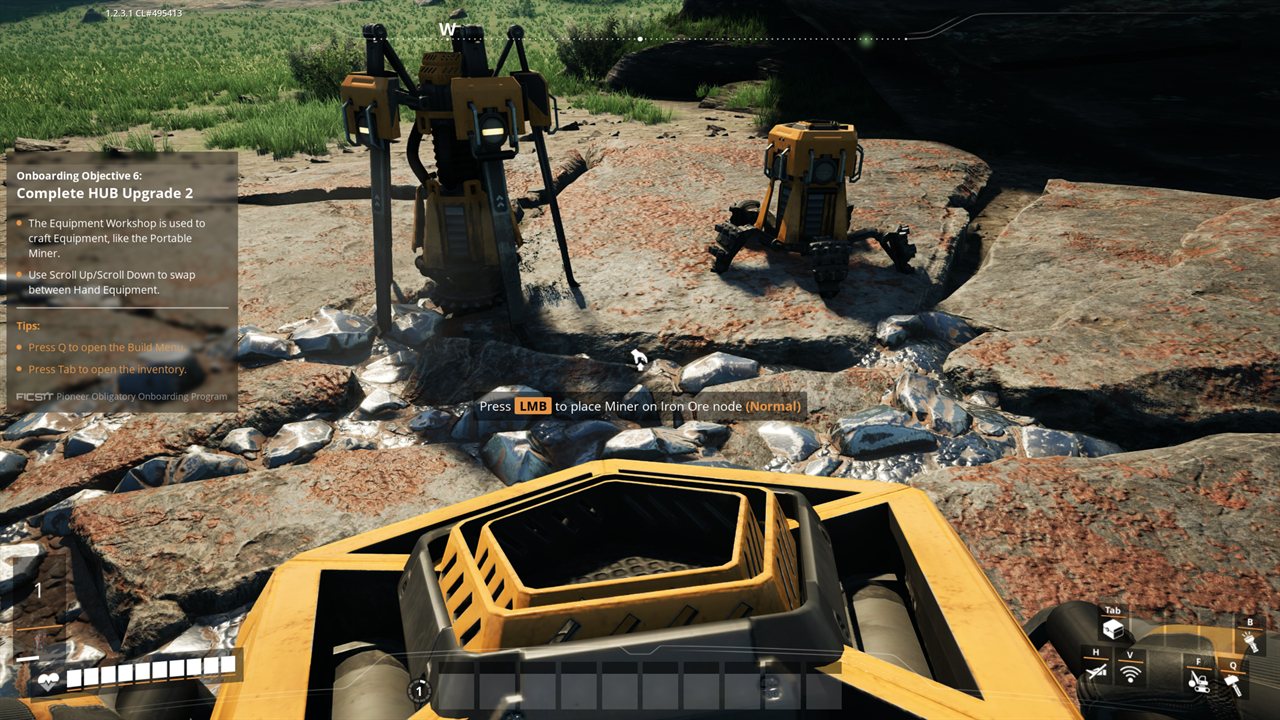
The Portable Miner drills a node on its own, but it can’t feed a Conveyor Belt, so for now you’re still hauling ore by hand. The next upgrades fix that: they unlock the Smelter, the Constructor, and the belts that connect them into your first automated line.
Keep going: the walkthrough overview lists every part of the series in order.